3D Printer Operating Systems Guide: Firmware, UI, and Advanced Control

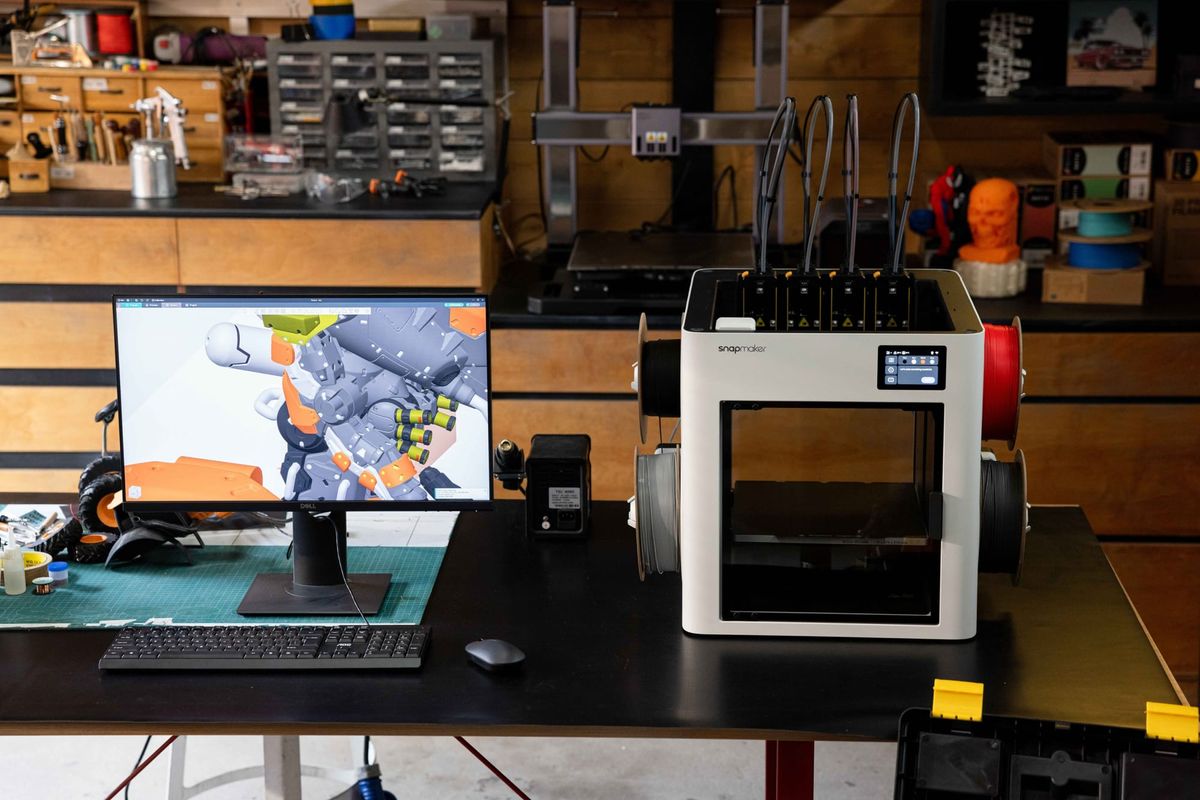
If you spend enough time staring at the hypnotic dance of a 3D printer, it is easy to get mesmerized entirely by the hardware. Extruders pushing molten plastic, stepper motors humming, and Cartesian belts flying across the gantry. But the cold, hard truth? Hardware only sets your machine's physical baseline.
In simple terms, a 3D printer operating system is the software layer responsible for executing motion commands, coordinating hardware components, and managing the printer throughout the printing process.
In this deep dive, we are going to map out the entire software stack, compare the biggest open-source frameworks, and reveal how advanced OS architectures are engineered to enable the next generation of multi-toolhead fabrication.
Why 3D Printer Operating Systems Matter More Than Hardware
The true ceiling of your printer's performance, speed, and precision is dictated by its invisible, digital brain. While mechanical components once served as the primary bottleneck in early 3D printing, the modern landscape has shifted. As machines push physical boundaries with high-speed architectures and complex multi-toolhead systems, the processing power and intelligent scheduling of the operating system have become the ultimate differentiators.
What Is a 3D Printer Operating System? (Quick Definition)
A 3D printer operating system is the core software infrastructure that translates digital 3D models into physical movements by directly controlling the machine's microcontrollers, motors, and thermal systems.
Modern printer operating systems are typically built around firmware while extending it with host software, web interfaces, APIs, and workflow management. To quickly differentiate the layers:
- Firmware: The low-level code running on the printer's mainboard (MCU), responsible directly for reading thermistors and firing electrical pulses to the stepper motors.
- Operating System (Host): The higher-level software (often running on a separate computer) that handles complex math, network routing, and user interfaces, passing simplified instructions down to the firmware.
- Slicer: The translation tool on your PC.
- Cloud Platform: The macro-manager for printer fleets.
The Full 3D Printer Software Stack Explained
To really grasp how the magic happens, we need to strip down the 3D printer software ecosystem. Data flows sequentially through these layers during every print, and each layer can often be modified or upgraded independently:
- Pre-processing Layer (Slicers): This is where software like Snapmaker Luban or Snapmaker Orca lives. They take your 3D mesh (STL/OBJ) and slice it into a massive text file of coordinates known as G-code. They dictate what needs to be done.
- Execution Layer (Firmware / OS): The star of our show. Systems like Klipper or Marlin live here. They ingest the G-code in real-time, calculating the exact electrical pulses required to move motors and manage heat. They dictate how the machine executes the plan.
- Orchestration Layer (Cloud / Fleet Management): The macro-oversight level. Cloud platforms allow you to manage print queues, monitor webcams remotely, and control multiple machines simultaneously across a network.
Clarifying Concepts: Cloud Fleet Management vs. Machine Control Firmware
When diving into forums, you will often see two very different conversations happening under the "OS" umbrella. It is crucial not to confuse your orchestrator with your executioner.
When enterprise users talk about a "3D printer OS," they usually mean SaaS fleet management platforms. These macro-level tools are brilliant for universities or massive print farms that require strict user access controls, encrypted file distribution, and remote telemetry.
However, for makers, hardware hackers, and prosumers, the "OS" means the micro-level machine control firmware. This is the hyper-optimized code running directly on your machine, reading thermistor temperatures and firing stepper drivers at microsecond intervals. It is this lower-level execution ecosystem that we will focus on.
Firmware Architecture Evolution: From Monolithic MCU to SBC Offloading
As modern printers continue to increase acceleration and travel speed, computational demands rise dramatically.
Historically, 3D printers relied on monolithic architectures where a single 8-bit or 32-bit Microcontroller Unit (MCU) handled everything—from parsing G-code to calculating complex kinematics and pulsing the stepper motors.
As machines grew faster, this created a severe computational bottleneck. This becomes especially relevant in high-speed Cartesian systems requiring precise axis synchronization. The immense computational load required to coordinate these high-speed movements is exactly why platforms like a CoreXY 3D printer rely heavily on modern OS processing.
The solution was Single Board Computer (SBC) offloading. Modern operating systems separate the workload: a powerful SBC (like a Raspberry Pi) processes the heavy mathematical lifting and trajectory planning in advance, sending only perfectly timed, lightweight instructions to the mainboard's MCU, which acts purely as an executor.
Comparison of Popular Machine Control Software
The control board landscape is highly competitive. Here is how the foundational open-source systems stack up against each other.
Marlin: The Industry Foundation
- Architecture: Monolithic, relying on the mainboard MCU for all processing.
- Strengths: Incredibly stable, widely supported across virtually all 32-bit boards, and features a highly mature Hardware Abstraction Layer (HAL).
- Limitations: Making configuration changes often requires recompiling the source code in an IDE (like VS Code) and reflashing the motherboard.
- Best For: Beginners, standard Cartesian printers, and users who prioritize proven stability over frequent, low-level tweaking.
Klipper: The High-Speed Challenger
- Architecture: SBC Offloading, separating intense kinematics from simple stepper execution.
- Strengths: Configuration changes are made via a simple text file and take effect immediately after a system restart. It enables incredibly high-speed printing without overwhelming the mainboard.
- Limitations: Requires additional hardware (a host computer) and has a steeper initial learning curve to configure the network and host software.
- Best For: High-speed printing enthusiasts, users wanting to push hardware limits, and advanced kinematics platforms.
Deciding between the two biggest open-source giants? Check out our in-depth breakdown of Marlin vs. Klipper for a detailed feature comparison.
RepRapFirmware (RRF): The Object-Oriented Alternative
- Architecture: Highly flexible, natively supporting expansion boards and object-oriented G-code.
- Strengths: Unparalleled G-code macro customization and a native, compile-free web configuration experience straight out of the box.
- Limitations: Often associated with specific, premium hardware ecosystems, which can increase the initial barrier to entry.
- Best For: Tinkerers building complex multi-axis machines who prefer intuitive, web-based setups.
How Modern OS Algorithms Push Physical Limits
Modern 3D printer operating systems utilize advanced algorithms to mathematically resolve hardware limitations.
- Input Shaping: As printers move faster, the physical frame vibrates, causing ringing or "ghosting" on the printed part. Modern OS uses resonance analysis (often via an accelerometer) to calculate a counter-frequency. The software injects this inverted wave into the motor movements, canceling out the physical vibration and resulting in significantly improved surface quality.
- Pressure Advance: Molten plastic inside a nozzle behaves like a fluid under pressure. The OS uses fluid dynamics modeling to predict pressure build-up. It commands the extruder to push extra filament during acceleration and retract slightly during deceleration, completely mitigating corner bulging and stringing.
Breaking the Limits: How Advanced OS Manages Multi-Toolhead Ecosystems
While traditional single-nozzle filament switching systems provide an entry point into multi-color printing, their software logic requires repeatedly heating, cooling, and purging different materials through one nozzle. This leads to substantial material waste and long print times.
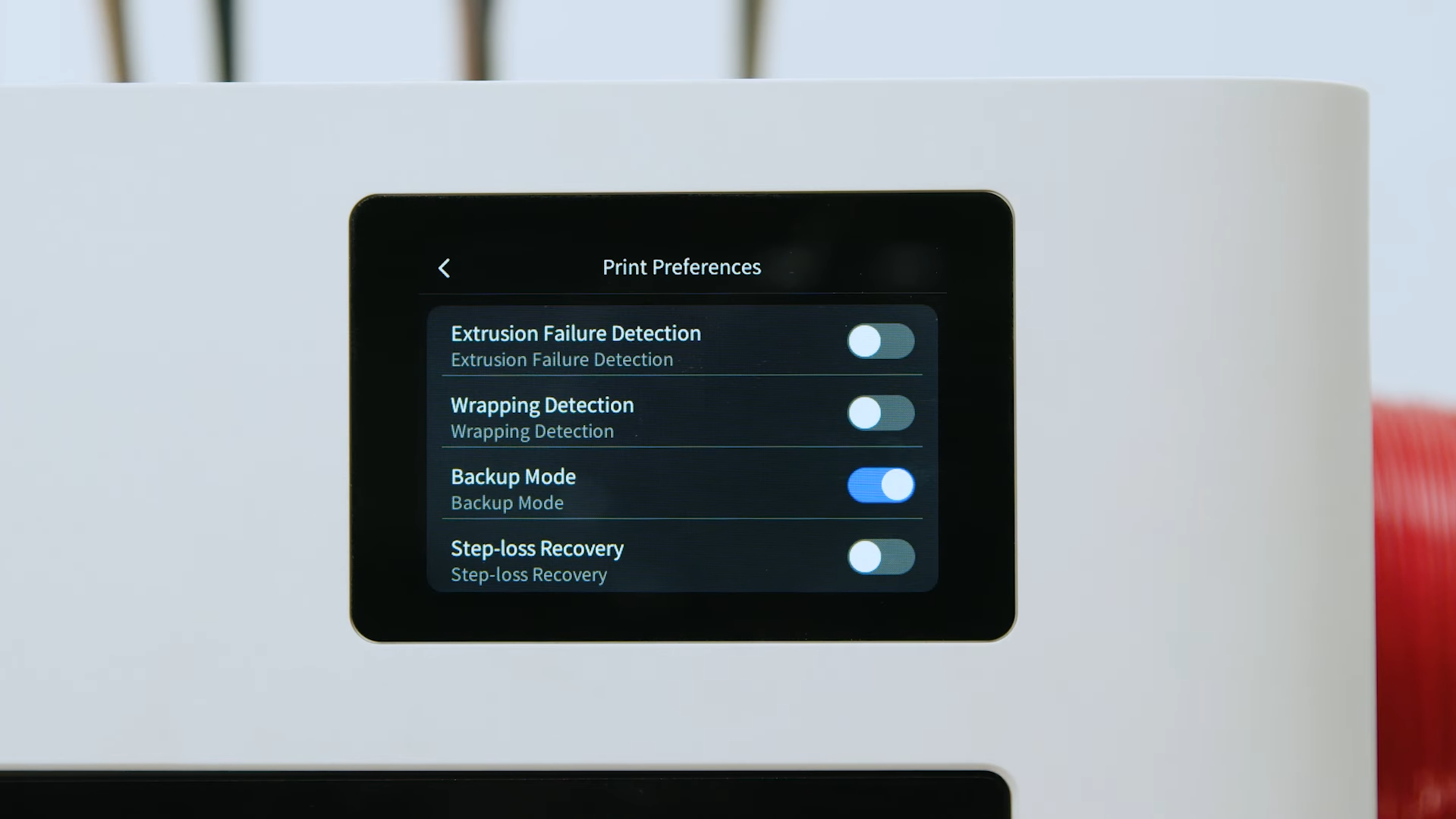
Standard Klipper excels at single-tool coordination, but true multi-tool workflows introduce complex hardware-software synchronization challenges. Reliably managing parallel CAN-bus communications for multiple toolboards, instantaneously loading 3D spatial offsets during swaps, and ensuring fail-safe error recovery across four independent extruders is where a deeply customized operating system proves its value.
This is where systems like the Snapmaker U1 truly shine. As a highly advanced 4-nozzle tool changer system, its operating system is based on a heavily customized Klipper architecture optimized specifically for complex multi-toolhead coordination.
- Microsecond Macro Scheduling: The OS is engineered for rapid tool changes, executing complex sequences that handle tool parking and mechanical locking seamlessly.
- Dynamic Spatial Offsets: Maintaining multi-material precision is a software challenge. The OS is designed to maintain independent XYZ offset matrices in its memory, capable of achieving <0.04mm precision alignment across all four independent nozzles.
- Slicer-to-OS Thermal Synergy: While predictive heating calculations are intelligently handled in the pre-processing layer by slicers like Snapmaker Orca, the operating system does the heavy lifting in execution. The OS must flawlessly process these parallel commands, maintaining precise PID control across four independent hotends simultaneously without triggering MCU computation bottlenecks or false thermal runaway safeguards.
Conclusion: Choosing the Right "Brain" for Your Digital Workshop
The right operating system ultimately depends on your workflow, performance expectations, and future upgrade plans. If you are running standard prints and value "set it and forget it" stability, traditional monolithic firmware provides a solid foundation.
However, if you are looking to push the boundaries of digital fabrication, the software stack matters just as much as the linear rails. Systems optimized for advanced tool changing and multi-material integration, such as the Snapmaker U1, illustrate how modern software architecture can unlock capabilities that extend well beyond traditional firmware, bridging the gap between digital models and complex physical reality.
Frequently Asked Questions (FAQ)
What operating system runs Klipper?
Klipper itself is the firmware (the execution software), but its host component typically runs on a Linux-based operating system. Most users install Klipper on a Raspberry Pi running Raspberry Pi OS (formerly Raspbian) or a specialized lightweight Linux distribution like MainsailOS or FluiddPI.
Is Marlin still relevant today?
Absolutely. Marlin remains the most widely used 3D printer firmware in the world. While Klipper is dominant in the ultra-high-speed and enthusiast space, Marlin's incredible stability, vast hardware compatibility, and low cost of implementation make it the go-to choice for many reliable Cartesian printers and DIY kits.
Can different operating systems use the same G-code?
Generally, yes, but with caveats. Standard movement commands (like G0 and G1 for linear moves) are universally understood by Marlin, Klipper, and RepRapFirmware. However, advanced macros, specific start/end routines, and tuning parameters (like Input Shaping commands) are often OS-specific. This is why you must select your specific firmware flavor in your slicer settings before exporting the G-code.