Which CMYK Filament Should I Choose? A Guide to Snapmaker’s Three Bundles
White Edition, Gray Edition, or CMYK Lithophane? Compare Snapmaker’s three filament bundles and choose the right one for colorful models or backlit photos.

Four spools, plenty of color possibilities—but which bundle is right for your next print?
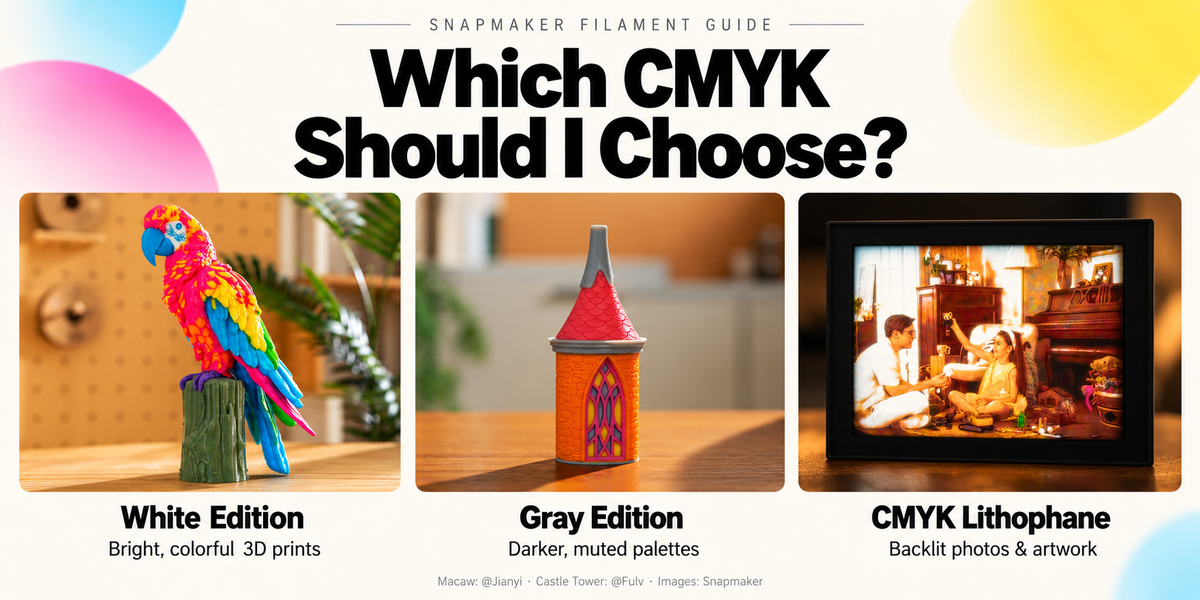
If you’re comparing Snapmaker’s Full Spectrum White Edition, Full Spectrum Gray Edition, and CMYK Lithophane bundle, start with one question: What do you want to make?
For colorful 3D models, choose a Full Spectrum bundle. For photographs and illustrations that come to life with a backlight, choose the CMYK Lithophane bundle. Then, if you’re printing 3D models, choose the palette that suits your project.
Find your bundle at a glance
Full Spectrum White Edition
For bright, colorful 3D models
Characters, animals, flowers, and home décor—with brighter mixes, softer shades, and pure-white details.
Full Spectrum Gray Edition
For muted, neutral 3D models
Architecture, machinery, and industrial designs—with darker, more subdued tones.
CMYK Lithophane
For pictures you can light up
Photographs, illustrations, and lightbox artwork—with materials optimized for backlit viewing.
Buying your first bundle? Start with White Edition for general 3D color mixing. Choose CMYK Lithophane if your goal is a backlit picture.
A quick note on names: although these bundles are often grouped together as “CMYK” filaments, the Full Spectrum sets contain cyan, magenta, yellow, and either white or gray. The CMYK Lithophane bundle is a separate product designed for a different printing workflow.
Choose White Edition for bright, colorful 3D models
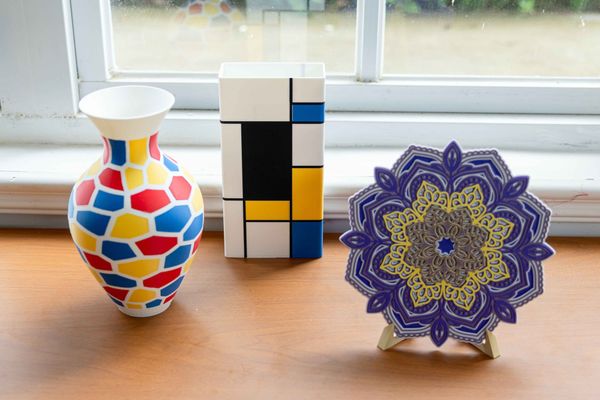
The PLA Full Spectrum Filament Bundle (White Edition) is a good place to start if you want to print characters, collectibles, animals, flowers, or decorative objects.
White adds two useful possibilities. It lets you print pure-white areas directly, and it lightens mixed colors to create softer, less saturated shades. The cyan, magenta, and yellow filaments have also been reformulated to support more vibrant color mixes.
That makes White Edition especially useful for designs that combine colorful accents with pale tones or white details. Think of a character with white clothing, a flower with softly colored petals, or an ornament with a light palette.
Choose White Edition if you want a versatile first bundle for colorful 3D models.
Explore Full Spectrum White Edition in the US store.
White Edition gallery: Blossom Table Lamp by @Meshy.ai. Image: Snapmaker.
Choose Gray Edition for muted and neutral palettes
The PLA Full Spectrum Filament Bundle (Gray Edition) combines cyan, magenta, yellow, and gray for a darker, more subdued range of colors.
It suits projects where neutral tones are part of the design: architectural models, machinery, robots, and objects with stone-inspired or concrete-inspired palettes.
The choice comes down to the colors you want, rather than the model category alone. A brightly colored robot may suit White Edition; a muted architectural model may suit Gray Edition.
White Edition therefore doesn’t make Gray Edition redundant. Each gives you a different starting palette.
Choose Gray Edition when darker, neutral colors are central to your project.
A selection of blended colors from the Gray Edition product page. Image: Snapmaker.
Explore Full Spectrum Gray Edition in the US store.
Choose CMYK Lithophane for pictures you can light up
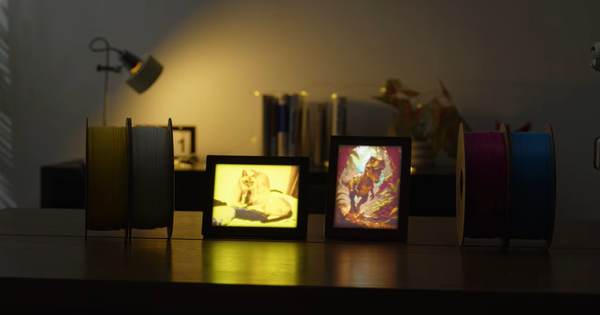
Want to turn a family photograph, pet portrait, or illustration into an illuminated display? Choose the SnapSpeed PLA CMYK Lithophane Filament Bundle.
This bundle is formulated for lithophanes and other flat, layered-color prints. Backlighting brings out the image and its color effects, making it suitable for personalized keepsakes and lightbox artwork.
It uses a different workflow from Full Spectrum 3D color mixing: you generate a lithophane model from an image, then slice, print, and assemble the display.
Plan for the lighting as well as the filament. The bundle does not include the frame, light guide plate, backlight, or power supply; Snapmaker provides guidance and printable files for the display components.
Choose CMYK Lithophane when the finished piece will be a backlit picture.
Explore the CMYK Lithophane bundle in the US store.
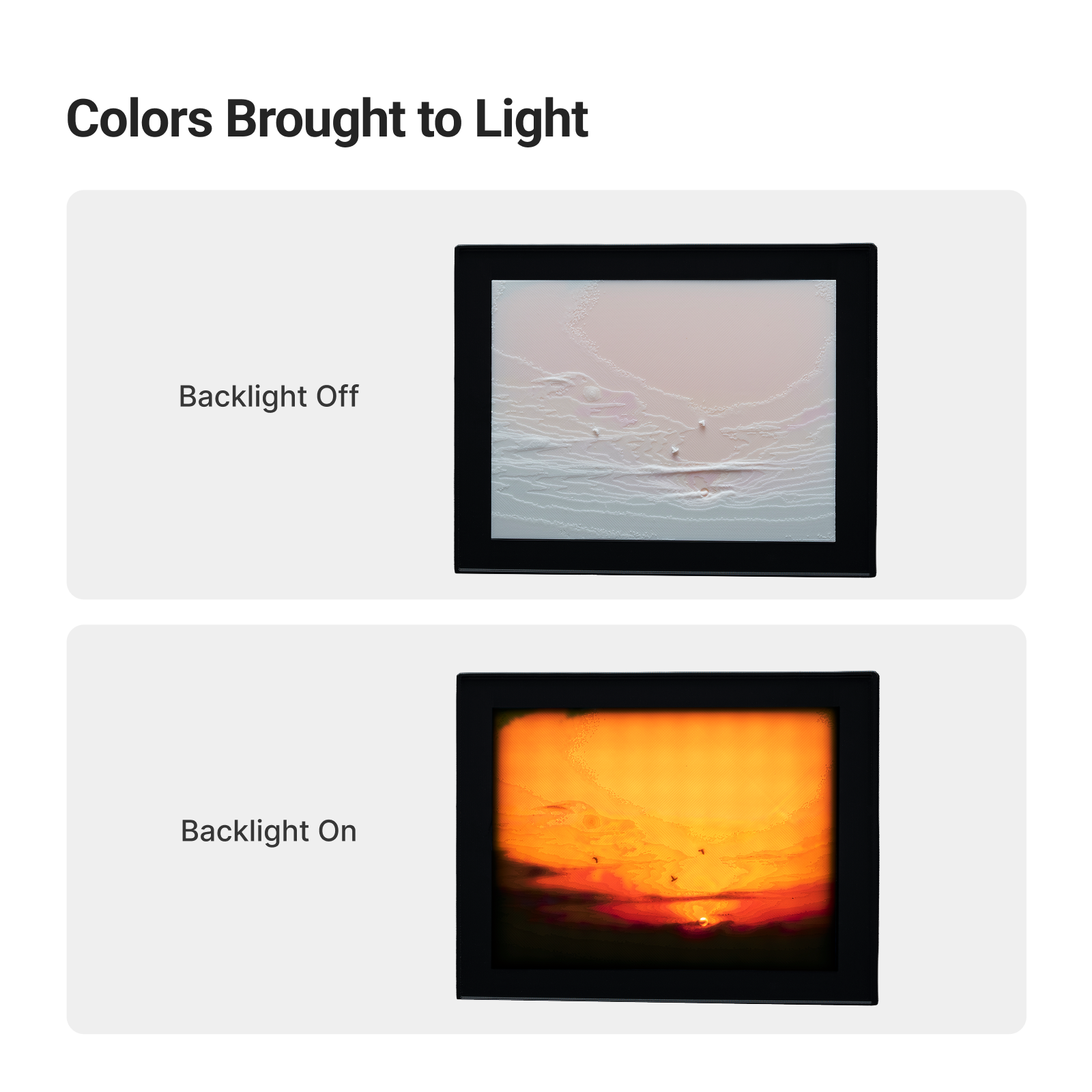
Backlit photo displays from the CMYK Lithophane product page. Image: Snapmaker.
Why aren’t similarly named colors interchangeable?
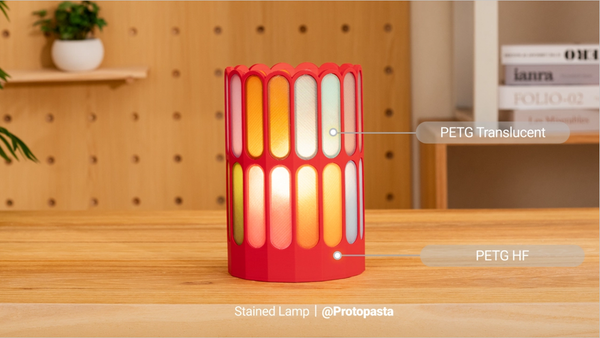
A spool’s color is only part of the story. How much light passes through the material also affects the result.
Full Spectrum creates additional perceived colors by alternating thin layers of filament. Those layers blend visually, allowing a print to show more colors than the four loaded spools. Snapmaker’s Full Spectrum bundles are tuned for this effect on three-dimensional models.
Lithophane materials are tuned for thin, layered images viewed with transmitted light. Their optical properties serve a different purpose.
You may see those properties described using Transmission Distance, or TD. You don’t need to compare TD numbers to choose a bundle. The useful takeaway is that materials with the same color name can behave differently when layered.
For predictable results, match the bundle to the printing method.
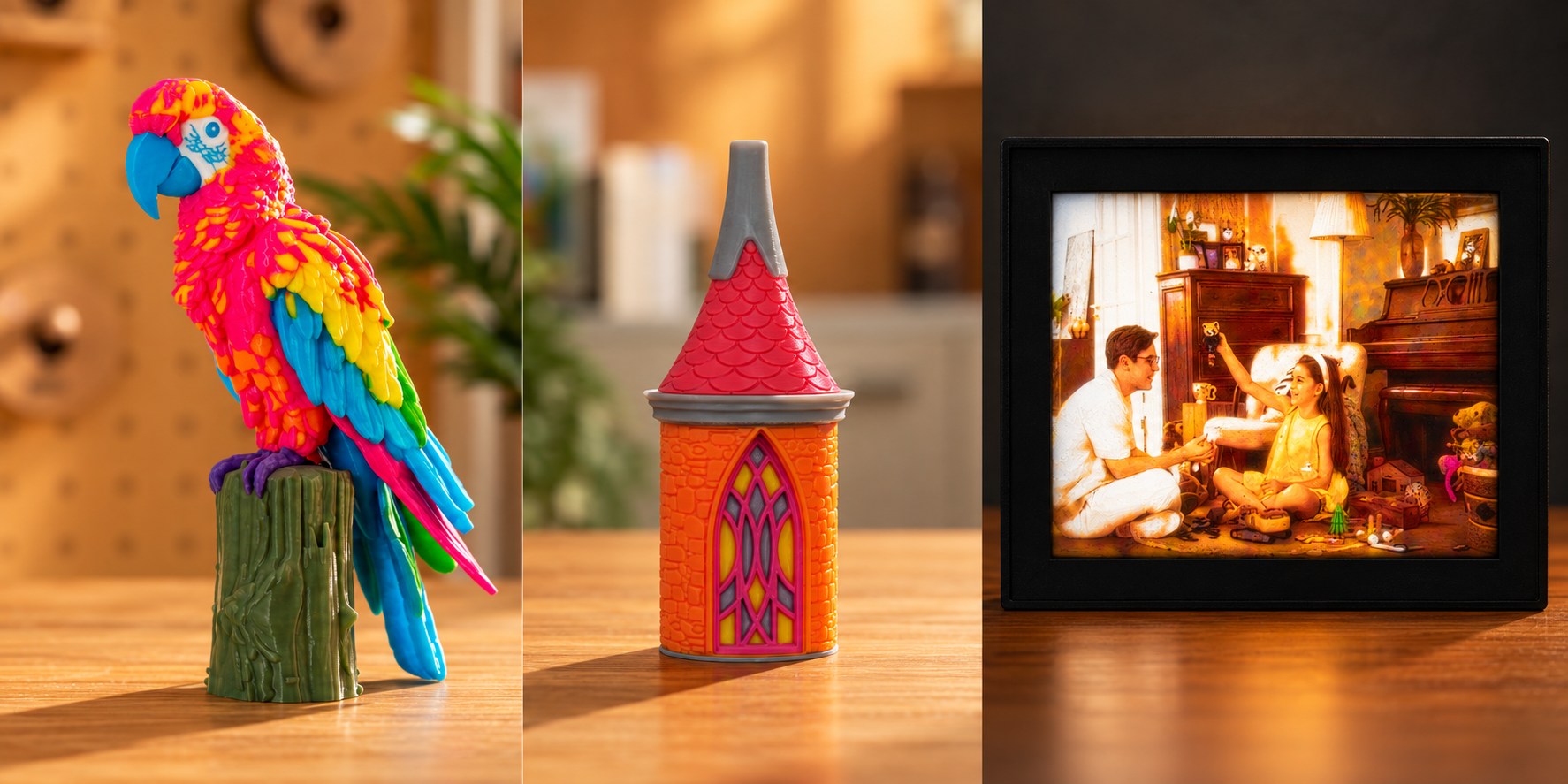
Left to right: White Edition, Gray Edition, and CMYK Lithophane. AI-assisted composite from Snapmaker images. Macaw: @Jianyi; Castle Tower: @Fulv.
Common questions before you buy
Can I mix White Edition and Gray Edition filaments?
Yes, but mixing editions can change the color results. Being able to print with the materials doesn’t mean the resulting palette will behave like either complete bundle.
For consistent, predictable color mixing, use filaments from the same edition for a model.
Is White Edition just Gray Edition with a white spool?
No. Alongside the change from gray to white, the cyan, magenta, and yellow filaments have been retuned for color and translucency. Simply swapping one spool does not recreate the complete White Edition formulation.
Can I use the CMYK Lithophane bundle for Full Spectrum models?
It is not recommended. The materials are optimized for different applications, and using lithophane filament for Full Spectrum color mixing can produce visible stripes and disappointing color blends. Use the bundle intended for your project.
Which should I buy first?
If you want to explore colorful 3D models, start with White Edition. Choose Gray Edition if you already prefer muted, neutral palettes. If your goal is an illuminated photograph or illustration, choose CMYK Lithophane.
Start with the object you want to make, and the right bundle becomes much easier to choose.