


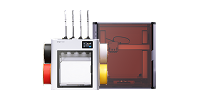


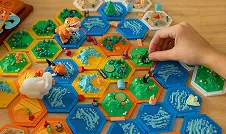
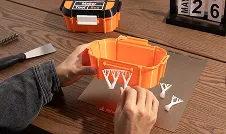
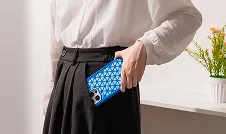


Yes! Snapmaker U1 makes multi-color and multi-material 3D printing more accessible, even if you're new to 3D printing. Automated features such as bed leveling, pre-print nozzle cleaning, and dynamic flow calibration help reduce manual adjustments, while optimized filament profiles simplify print preparation.
New to 3D printing? Here's how to get started:
- Set up your printer: Follow the step-by-step instructions in the Snapmaker U1 Wiki to assemble your printer and complete the initial setup and calibration.
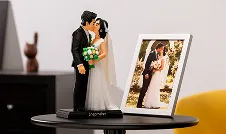
- Find a model to print: Explore Snapmaker Space to discover 3D models and find inspiration for your first project. You can start with existing designs without needing to create your own 3D models.
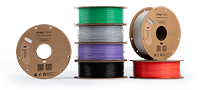
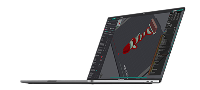
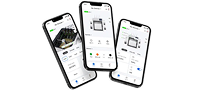
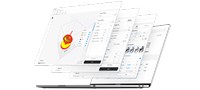
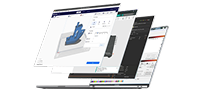
- Prepare and start printing: Use the Snapmaker App to access supported features and manage your printing workflow. For model preparation and print settings, use Snapmaker Orca, which offers optimized filament profiles for U1. We recommend starting with PLA and models with ready-to-use print profiles before exploring more advanced settings.
- Get support when you need it: If you have questions or run into issues during setup or printing, you can visit our U1 Wiki page to view troubleshooting guides and instructions, or click here to submit a support request to contact our technical support team.
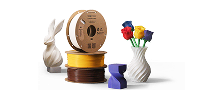
With four independent toolheads that switch quickly between materials and help reduce filament waste during multi-color printing, U1 makes it easier to explore creative possibilities as you build your skills.