3D Printer Cameras: AI, Uptime, and Remote Monitoring for Professional Studios

Picture this: You’ve just spent three hours meticulously slicing a complex, multi-part mechanical assembly. You load up a fresh, expensive spool of carbon-fiber-reinforced polymer, hit "Print," and turn off the workshop lights to get some sleep. The next morning, you walk in expecting a functional prototype ready for client presentation. Instead, you are greeted by the dreaded "Spaghetti Monster"—a chaotic, tangled bird’s nest of ruined plastic covering your build plate.
If you run a 3D printing studio or an engineering lab, you know this exact flavor of heartbreak. Print failures are a harsh reality of additive manufacturing, but babysitting a machine for a 16-hour print job simply isn't a viable business model. This is exactly why the 3D printer camera has evolved from a fun accessory into an absolute, non-negotiable necessity for modern production.
Let's dive into what makes these cameras essential, the different types available, and what the future of intelligent 3D printing looks like for professionals.
What Is a 3D Printer Camera (and Why It Matters in 2026)
At its core, a 3D printer camera is a monitoring device that allows users to visually track the progress of their prints remotely. However, the definition has expanded dramatically in recent years. Today, a high-quality camera system serves as a critical industrial sensor, helping reduce failed prints during overnight jobs and optimizing overall machine uptime.
Depending on the setup, cameras fall into three main categories: external webcams, close-up nozzle cameras, and integrated chamber cameras. While early adopters primarily used them to capture satisfying hyper-lapsed videos of prints appearing out of thin air, their role has fundamentally shifted. As a brilliant product manager recently put it: "A built-in chamber camera isn’t just for time-lapses." It is now your primary defense against wasted materials and missed deadlines.
The Best 3D Printer with Camera for Professional Use: Snapmaker U1
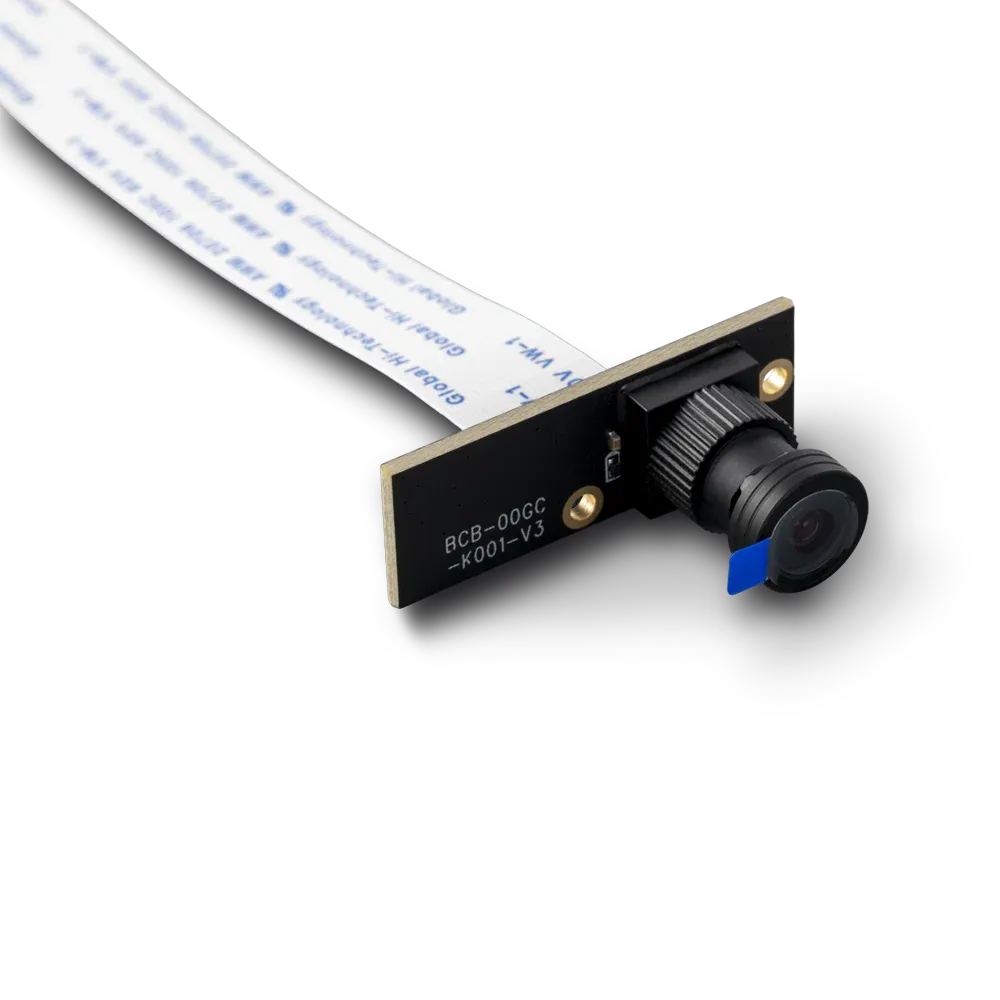
For studios looking to upgrade their fleet, building custom DIY camera rigs for every machine is rarely cost-effective. The market has responded by offering fully integrated solutions where the hardware, software, and AI work together seamlessly right out of the box.
If you are looking for a true 3D printer with a camera, the Snapmaker U1 is one of the most robust and reliable options for professional workspaces. It’s a blazing-fast CoreXY powerhouse capable of 500 mm/s speeds, featuring a SnapSwap™ toolchanger with up to 4 independent toolheads for zero-waste multi-material printing.
What makes it a standout in visual monitoring is its native camera ecosystem:
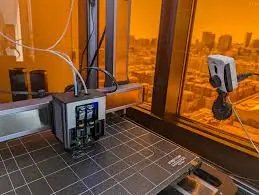
- Built-in Chamber Camera: Tucked elegantly into the chassis, the crystal-clear 2-megapixel camera provides a perfect, wide-angle vantage point without adding any burdensome weight to the moving toolhead.
- AI Failure Detection: Thanks to a major OTA firmware update released in December 2025, the U1 natively detects both spaghetti failures and workspace obstructions. The moment the camera detects the chaotic, curly pixels of filament spaghetti, the AI triggers an emergency override—pausing the print, cooling the hotend, and immediately pinging you via the Snapmaker App (V2.2.2+) to intervene.
- Remote Monitoring & Automation: Through Snapmaker Orca, you can beam G-code wirelessly, view low-latency live feeds, digitally zoom in on sketchy overhangs, and toggle LED lighting right from your PC. This enables true "lights-out manufacturing."
- Multi-Camera Support: For hardcore engineers, the U1's Extended Firmware unlocks a full Klipper environment. This enables WebRTC for ultra-low latency streaming and even lets you plug in a secondary USB camera for multiple viewing angles.
Types of 3D Printer Cameras
To optimize your quality control, it is crucial to choose the right monitoring perspective. Here is a breakdown of the standard setups in the industry.
Chamber Cameras
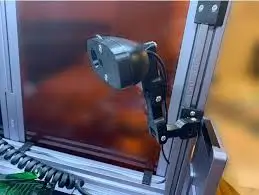
Chamber cameras are mounted securely to the printer's rigid frame or enclosure. Because they sit further back, they provide a wide-angle, macro "eye in the sky" view of the entire build volume. This is currently the industry standard for professional machines because it adds zero weight to the motion system while allowing you to monitor the entire print bed for large-scale warping or collapsed prime towers.
3D Printer Nozzle Camera
A 3D printer nozzle camera involves mounting a small medical-style endoscope millimeters away from the hotend. Conceptually, it gives you a hypnotic, extreme macro view of the extruded filament, allowing you to monitor your first-layer squish with microscopic precision.
However, for production environments, a nozzle cam introduces significant engineering trade-offs. Today’s commercial CoreXY printers are built for speed. Adding extra mass (the camera, LEDs, and brackets) to the moving toolhead introduces momentum that can cause mechanical vibrations, leading to ringing and ghosting artifacts on your final parts. Additionally, these cameras suffer from "tunnel vision"—they only see what is directly beneath the nozzle, meaning they might miss a print detaching on the opposite side of the bed.
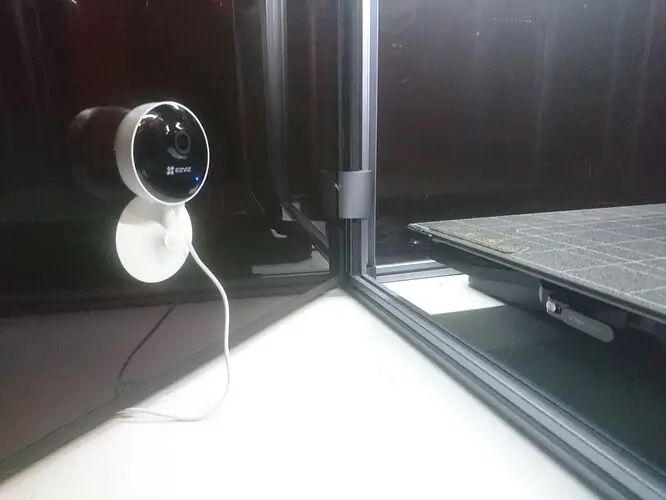
External Webcams and DIY Setups (How to Add a Camera to a 3D Printer)
When makers search for how to add a camera to a 3D printer, the standard advice is to build a DIY setup: grab a Raspberry Pi, install OctoPrint or Klipper, and hook up an external USB webcam.
DIY setups still work great for hobbyists who enjoy tinkering, but they come with trade-offs for commercial use. The cost of microcomputers like the Raspberry Pi has risen significantly (often pushing DIY kits into the $150–$200 range). More importantly, routing bulky USB cords through a moving gantry requires high maintenance. Furthermore, relying on serial USB connections between a mainboard and an external Pi can sometimes cause communication bottlenecks. A fraction-of-a-second stutter during data transfer can cause the hot nozzle to leave irreversible blobs on your model. For a studio, stability is paramount.
A Built-in Chamber Camera Isn’t Just for Time-Lapses
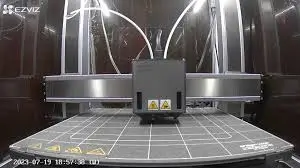
We are officially past the era of using cameras merely for social media content. For modern engineering teams, an integrated camera serves three highly functional purposes:
- Real-Time Remote Monitoring: Whether you are at your desk or commuting, a live feed allows you to check on long-duration prints without needing to be physically present on the workshop floor.
- AI Failure Detection: Modern machines use deep-learning computer vision models. The moment the camera detects the chaotic, curly pixels of filament spaghetti, the AI triggers an emergency override—pausing the print and cooling the hotend to prevent hardware damage and save material.
- Workflow Automation: Integrated cameras allow for "lights-out manufacturing." You can clear the bed, start the next job remotely, and rely on the camera's object detection to ensure the build plate is empty before the nozzle heats up.
The Verdict
In the high-speed, high-stakes world of modern 3D printing, visual data is your best insurance policy. By investing in a smart, cohesive system with native camera integration, you aren't just buying a 3D printer; you are bringing on a digital operator that watches your back, protects your ROI, and lets your team focus on designing and creating rather than troubleshooting.
Frequently Asked Questions (FAQ)
Do I need a camera for my 3D printer?
For professionals and studios, yes. A camera is essential for remote monitoring and early failure detection. Catching a failed print early saves significant amounts of expensive filament and frees up machine time for successful jobs.
Can I add a camera to any 3D printer?
Yes. Most traditional 3D printers can be upgraded using a Raspberry Pi running OctoPrint or Klipper paired with a USB webcam. However, this requires technical setup, wiring, and ongoing software maintenance.
Are nozzle cameras worth it?
Nozzle cameras are excellent diagnostic tools for calibrating first-layer adhesion or tuning pressure advance. However, for daily production, the added weight to the toolhead and the risk of heat damage make them less practical than frame-mounted chamber cameras.
What is the best 3D printer with camera?
The best options are machines designed with native, built-in camera integration and AI capabilities. Printers like the Snapmaker U1 offer out-of-the-box remote monitoring, AI spaghetti detection, and seamless software ecosystems without the need for aftermarket modifications.