













Turn Ideas into Prototypes
From functional parts to engineering projects, iterate faster and bring concepts to life.
Hobby & DIY Project Showcase
Get inspired by makers turning concepts into reality, from prototypes to functional tools built to test, refine, and improve[1].

DMC-12 DeLorean

Mclaren F1 Car

Drone

3D Printed Guitar

DIY RC Semi Truck

U1 POD Top Cover

V-22 Tiltrotor Kit Card

P51D Mustang Plane
See How Much You Can Save
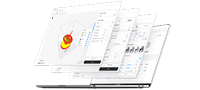
Compare material waste and filament costs based on your own printing habits, and see how much you could save with Snapmaker U1.

Build Your Next Prototype
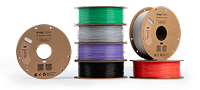
Prototype faster with engineering materials, multi-material workflows, and reliable support printing.


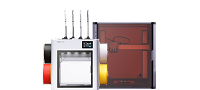
Get Started with Snapmaker U1
- 5X More Speed. 5X Less Waste.
- SnapSwap™ 4-Toolhead System with 5s Tool Change
- Multi-Color & Multi-Material Printing
- Smooth Printing with Smart Calibration
See What Others Are Creating
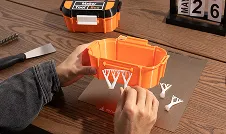
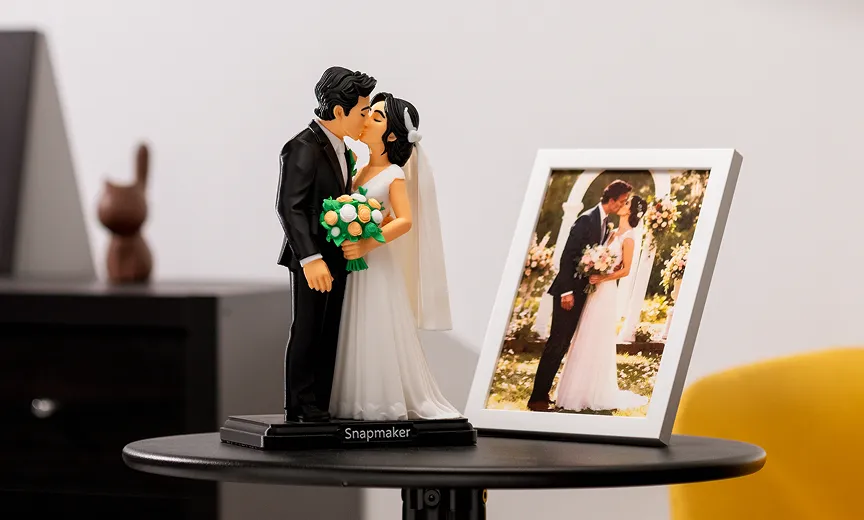
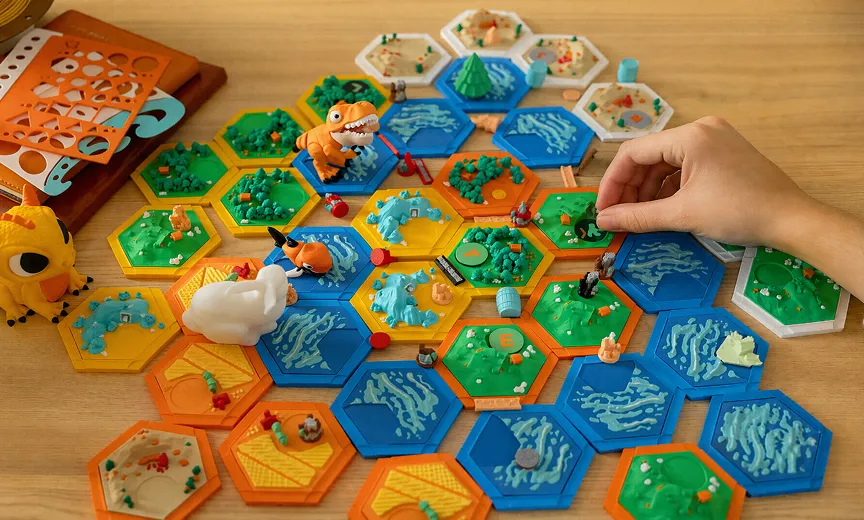
Learn how makers prototype, test and refine ideas to build functional projects.








Notes:
[1] Printed creations are from actual users. As real-world printing parameters vary, print duration, material consumption and other relevant data for the illustrated cases may differ with different settings. "Others" refers to 3D printers that use a filament changer to swap materials.
[2] The average number of color changes per layer is calculated by dividing the total number of color swaps in the print job by the total number of layers. A higher value indicates more frequent swapping and greater purge waste. Factors influencing this include the color count, their layout, model height, and layer height. This calculator assumes a default layer height of 0.2 mm, but other values can be estimated manually or retrieved from slicer software.
[3] The average weight of purge waste per swap is calculated by dividing the total purge waste (by weight) by the number of swaps. This depends on color count and layout (dark-to-light swaps require more purging to avoid color contamination) and the purge multiplier set in the slicer (higher values lead to more purge material consumed). You can use slicer software to retrieve the total purge waste and swap count of your print, then select the closest estimated value in the dropdown menu.
[4] The average color swap count per layer and weight of purge waste per swap used in this calculator are based on typical values from Snapmaker testing. Actual slicing results may vary depending on model geometry, color layout, and print settings. All calculations are for reference only.