Can You Over-Dry 3D Printer Filament?

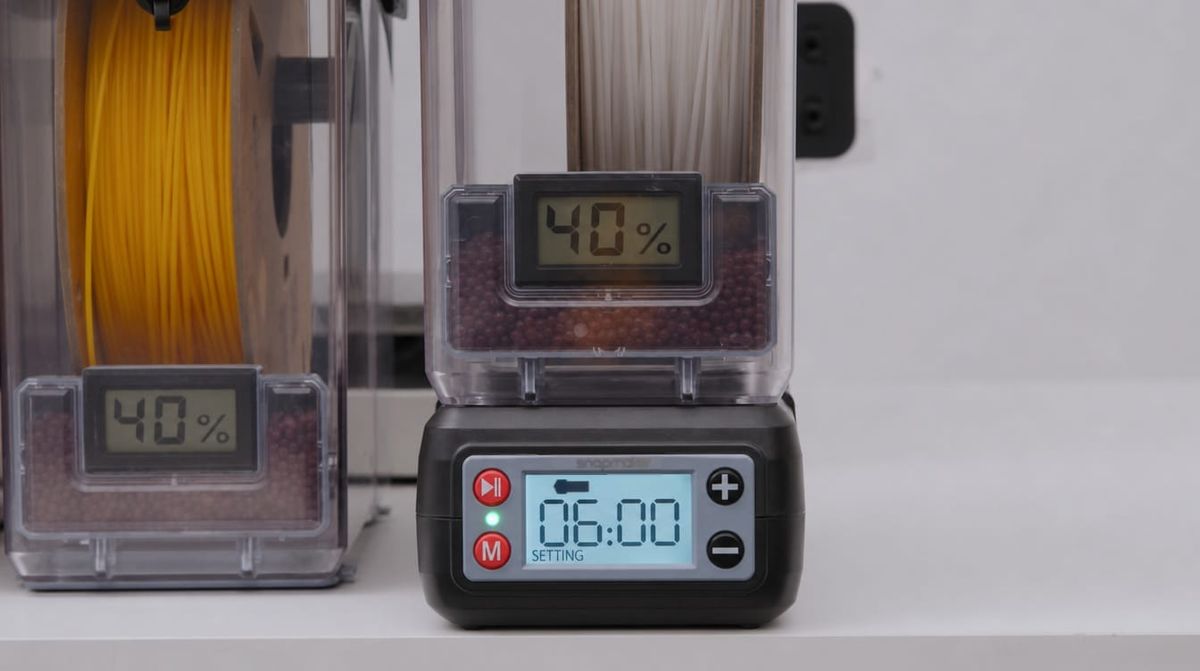
If you have ever accidentally left your filament dryer or food dehydrator running overnight, you have likely felt the sudden panic of wondering if you just ruined a brand-new spool of material. It is one of the most common anxieties in 3D printing: Is it possible to "over-dry" your filament?
The short answer is yes, you can ruin your filament by leaving it in a dryer for too long. However, the term "over-drying" is actually a misconception. You cannot remove too much water from your plastic. The actual culprit behind your ruined spool is thermal degradation caused by over-baking it.
Key Insights
- You Can’t "Over-Dry" Plastic: Removing moisture is always beneficial. The damage comes from applying too much heat for too long (over-baking).
- Heat Causes Brittleness: Leaving filament in a dryer for 24+ hours causes the polymers to oxidize, turning the plastic incredibly brittle.
- PLA is Highly Vulnerable: Standard PLA has a low glass transition temperature and will easily melt and fuse together if a dryer spikes above 55°C.
- Test Before Trashing: Always perform a bend test or a test extrusion to check for oxidation or swelling before throwing a spool away.
The Difference Between Over-Drying and Thermal Degradation
In the context of FDM 3D printing filaments, moisture is strictly a negative variable. Getting your filament to 0% moisture content is mathematically ideal. You cannot make a filament "too dry."
However, to remove that moisture, we use heat. While the plastic itself doesn't mind being bone-dry, it highly objects to sitting in a heated chamber for 24 to 48 hours. When users report that their filament became extremely brittle or fused together after a long drying cycle, they did not over-dry it—they over-baked it, causing the polymer chains within the plastic to physically break down.
How Excessive Heat Damages Filament
When you exceed the recommended time or temperature limits for your filament, two specific physical reactions take place that can destroy the usability of the spool.
Reaching the Glass Transition Temperature
Every plastic has a glass transition temperature (Tg)—the point at which the material stops acting like a hard solid and begins to soften into a rubbery, pliable state. If your dryer spikes above this temperature, the tightly wound strands of filament on the spool will begin to sag, expand, and permanently fuse together. When it cools, the spool becomes a solid brick of plastic that your extruder can no longer pull.
Oxidation and Extreme Brittleness
Even if you keep the temperature below the melting point, leaving filament in a heated environment for too long causes oxidation. Prolonged thermal stress breaks down the polymer chains inside the plastic. Ironically, this heat-induced oxidation causes the exact same symptom as moisture absorption: extreme brittleness. If your filament was strong before drying but snaps like a dry twig after a 24-hour bake, thermal degradation is to blame.
Thermal Limits by Filament Type
Every material has a specific threshold for how much heat it can handle before degrading. Adhering to these limits is the easiest way to prevent a ruined spool.
Standard and Specialty PLA
PLA is the most vulnerable to over-baking because it has a very low glass transition temperature of around 55°C to 60°C. If a makeshift dryer or home oven spikes above 55°C, standard PLA, Silk PLA, and Matte PLA will quickly warp and fuse. Always adhere strictly to a 55°C limit for no longer than 6 hours. For more context on PLA thermal behavior, review our guide on PLA 3D printing temperatures.
PETG
PETG has a higher heat tolerance than PLA but is highly prone to crystallization if left in a heated chamber indefinitely. Over-baking PETG past 65°C for extended periods will strip the material of its natural impact resistance, turning it highly brittle. When treating wet spools to prevent PETG stringing, stick to 65°C for 6 hours.
Flexible TPU
Flexible materials like TPU 90A and 95A are incredibly resilient to heat, which is helpful because they are also the most hygroscopic. While TPU can withstand longer drying cycles without snapping, prolonged thermal exposure can still cause it to warp on the spool, causing feed issues. Dry TPU at 70°C for 6 hours, as detailed in our specific TPU drying temperature guide.
How to Tell if Your Filament is Heat-Damaged
If you forgot to set a timer on your dryer, you don't necessarily need to throw the spool away. Use this diagnostic checklist to see if the material can still be salvaged.
Visual Inspection for Fusing
Remove the spool from the dryer and look closely at the edges where the filament meets the inner rim.
- Does the filament look flattened?
- Are the individual strands visibly glued to one another?
- If you try to pull a foot of filament off the spool, does it require significant force or get stuck instantly? If you answered yes, the spool has fused and is likely ruined.
The Bend Test
If the spool isn't fused, you must check for oxidation. Take the end of the filament and bend it sharply at a 90-degree angle.
- If it bends smoothly and turns slightly white at the crease (yielding), the plastic is healthy.
- If it snaps instantly with a sharp cracking sound, the polymer chains have degraded.
Note: Sometimes, only the outermost layers of the spool are damaged by the heat. Try stripping away 3 to 5 meters of filament and performing the bend test again on the plastic deeper inside the spool.
The Extrusion Test
If the filament passes the bend test, load it into your 3D printer and run a purge cycle. Listen closely to the extruder gears. Heat can cause filament to expand slightly in diameter (e.g., from 1.75mm to 1.85mm). If you hear your extruder gears clicking, or if the filament jams in the Bowden tube, it has swelled too much to be printed safely. If you encounter this, you can cross-reference it with our guide to troubleshooting common 3D printing problems.
How to Prevent Thermal Damage
Protecting your 3D printer filament lifespan comes down to utilizing the right tools and establishing strict habits.
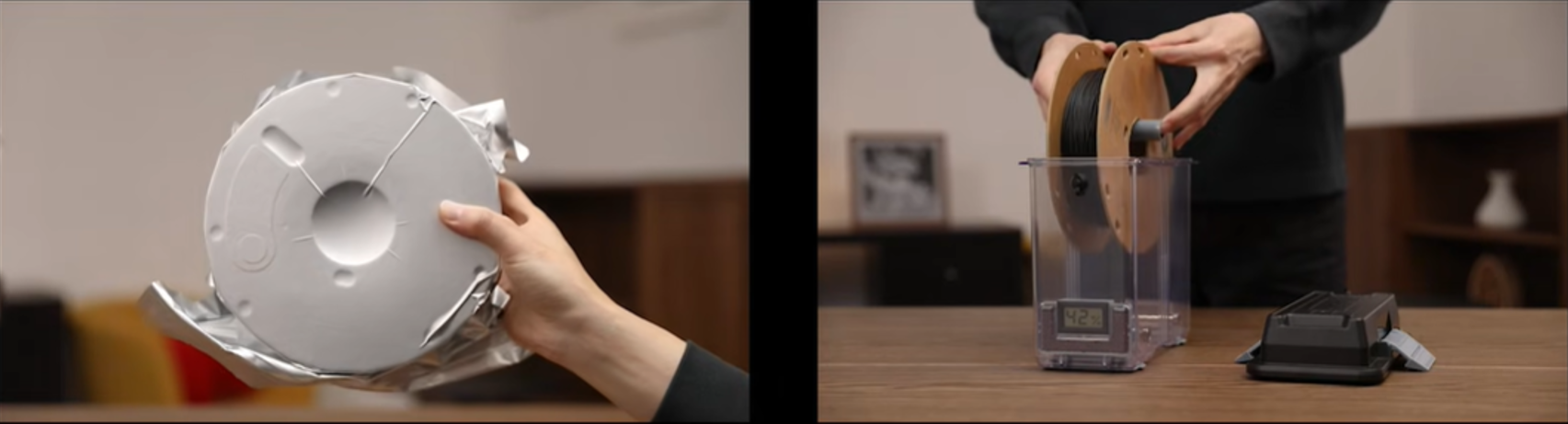
- Follow Strict Time Limits: Never treat drying filament like a "set it and forget it" task. Most materials only need 4 to 6 hours to restore their printability. Once the timer is up, remove the spool and place it in an airtight storage container.
- Use Dedicated, Controllable Dryers: Avoid using household ovens, which are notorious for massive temperature spikes that destroy low-temp plastics like PLA. Utilizing a dedicated device like the SnapDryer allows you to set precise temperature and time limits. This ensures your material gets exactly the heat it needs to extract moisture, without crossing the threshold into thermal degradation.
Frequently Asked Questions (FAQ)
What happens if I overdry filament?
You cannot technically remove too much moisture from plastic. However, leaving filament in a dryer for too long exposes it to excessive heat. This "over-baking" breaks down the polymer chains, causing the filament to oxidize, become extremely brittle, or melt together on the spool.
Can you over dry PLA filament?
Yes, PLA is highly susceptible to heat damage. Because it has a low glass transition temperature, leaving PLA in a heated dryer above 55°C or for longer than 6 hours will cause the strands to permanently fuse together.
Can you over dry PETG or TPU filament?
While PETG and TPU have higher heat tolerances than PLA, leaving them in a heated chamber past their recommended times (usually 6 hours) will cause thermal degradation. Over-baked PETG will crystallize and lose its impact resistance, while TPU can warp and cause severe extruder jams.
Is 170°F too hot to dry filament?
Yes, 170°F (approx. 76°C) is entirely too hot for most standard 3D printing filaments. It will immediately warp and melt PLA, and it exceeds the safe thermal limits of PETG and TPU. Temperatures this high should only be used for engineering-grade materials like Nylon or PC.
How to tell if filament is dry?
The fastest way to test your filament is the bend test. Dry, healthy filament will bend smoothly until it yields, while wet (or thermally degraded) filament will snap instantly. During printing, dry filament will extrude in a smooth, consistent line without any popping, hissing, or bubbling noises.
What is the 45 degree rule in 3D printing?
While this term usually refers to the design rule that overhangs exceeding 45 degrees require physical support structures, in the context of filament drying, 45°C to 50°C is the universal baseline temperature limit for safely drying standard PLA without melting it.